
Your CV, ready to send
Choose the template, fill it in and get the PDF.
 Model chosen
PDF ready
No Word needed
Model chosen
PDF ready
No Word needed
Templates
CV templates
How it works
Three steps and the document is ready
-
Write your CV
Pick a template and fill it in — upload your old CV or type it by hand.Pick a template and fill it in — upload your old CV or type it by hand.
-
Pay
By Express Transfer, on Multicaixa. You see the amount before confirming.
-
Get the PDF
You download the PDF and send it. No watermark.
What you get
A CV that reads well — and gets through the filters
-
You see it before you pay
Full preview of your CV, with a watermark. You only pay when it's how you want it.
-
PDF ready to send
One A4 page, selectable text and no watermark after payment. Works for email, a portal or print.
-
Made to be read
Experience, education, skills and languages in the sections recruiters look for — and that automatic filters read.
Example
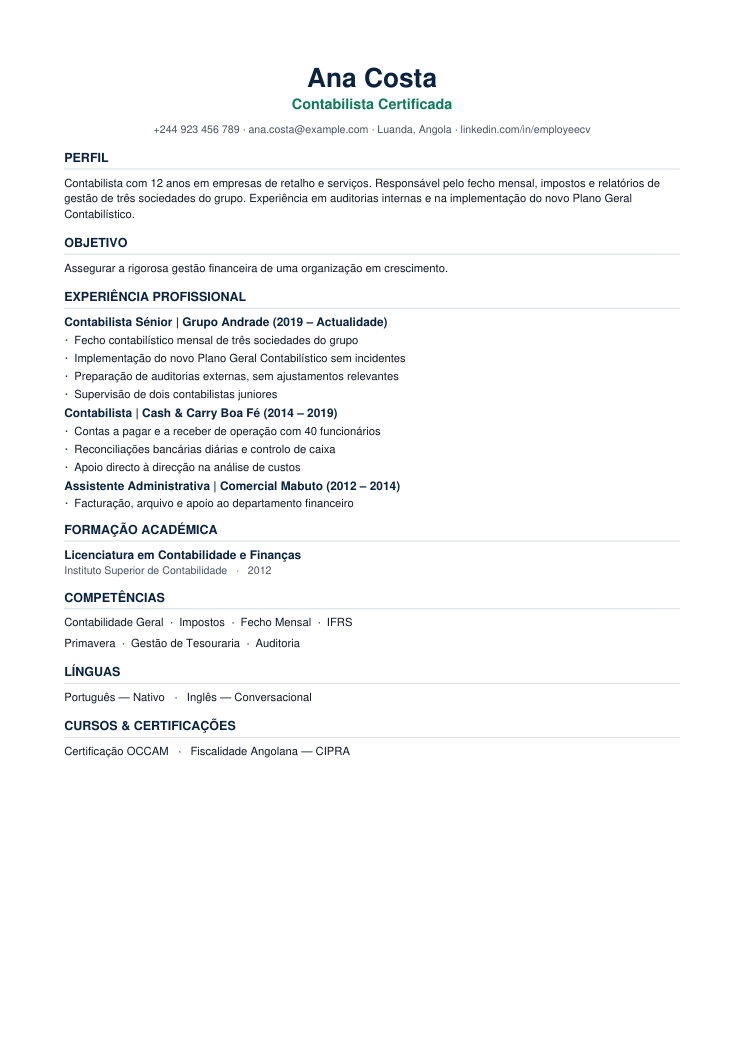
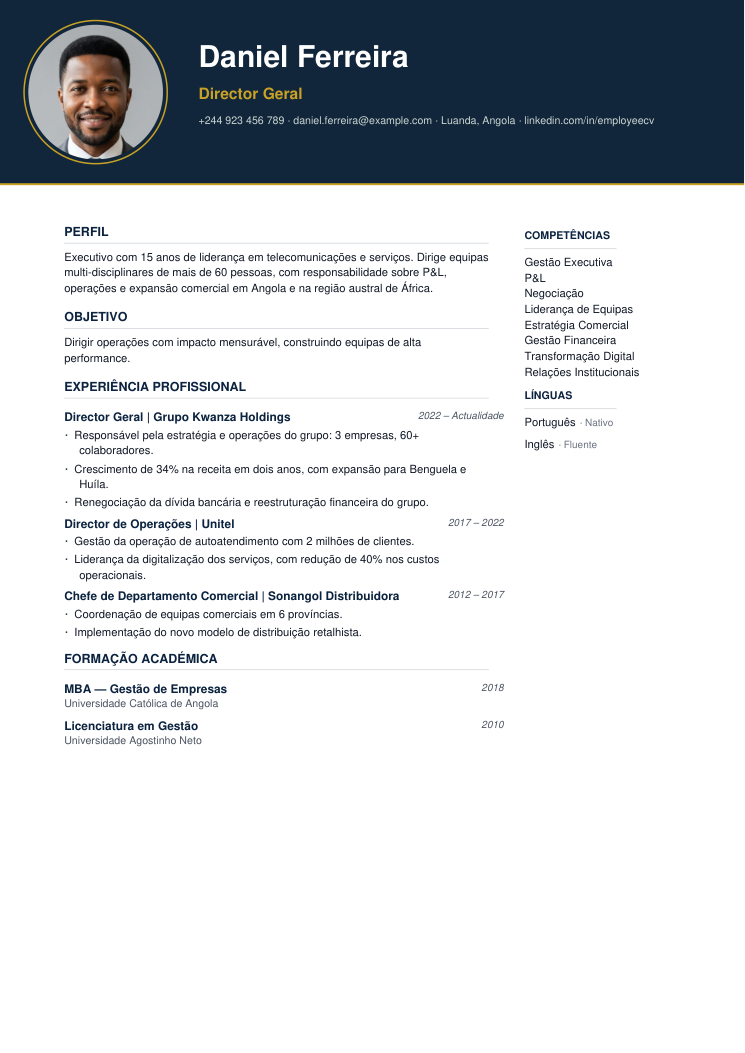
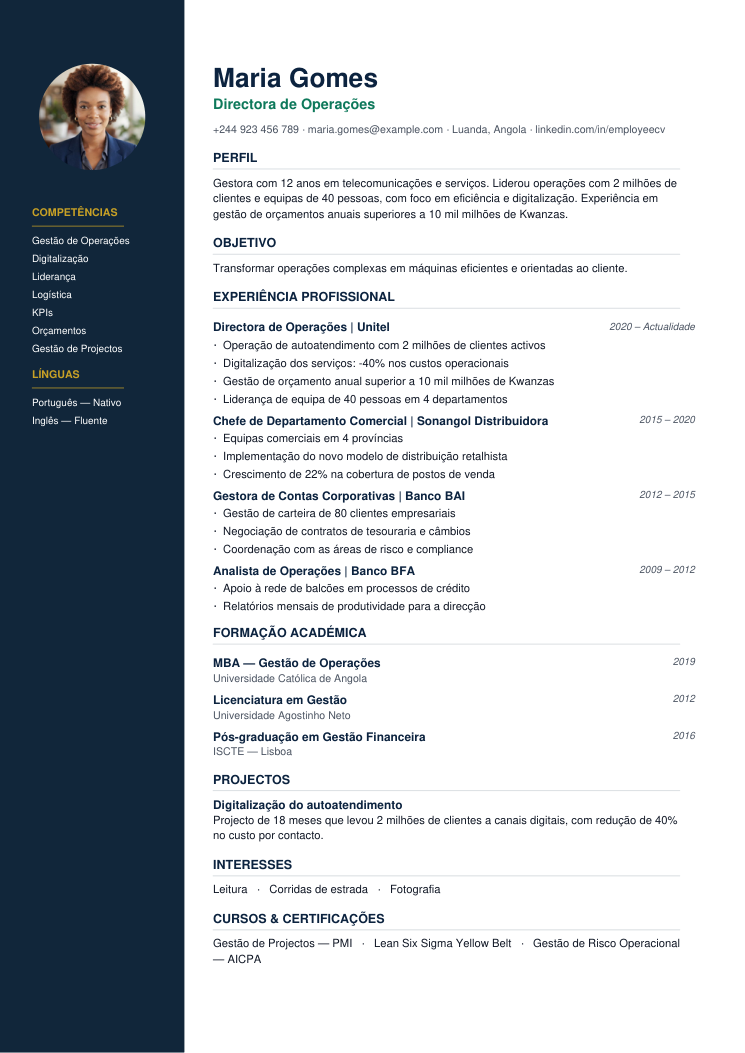
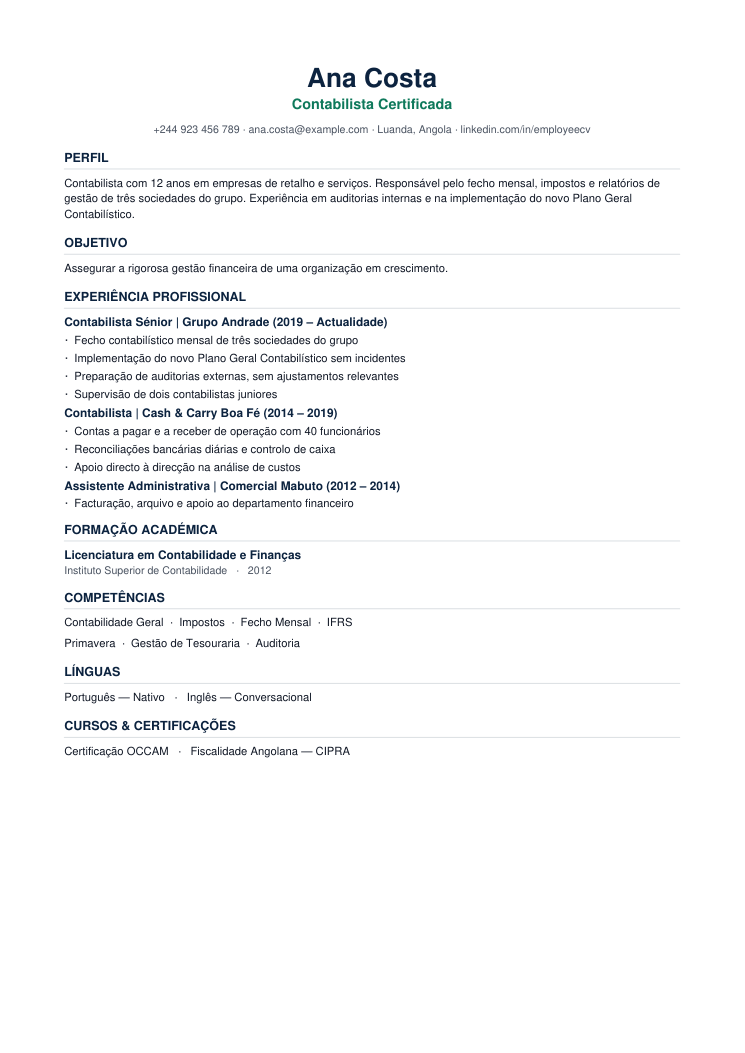
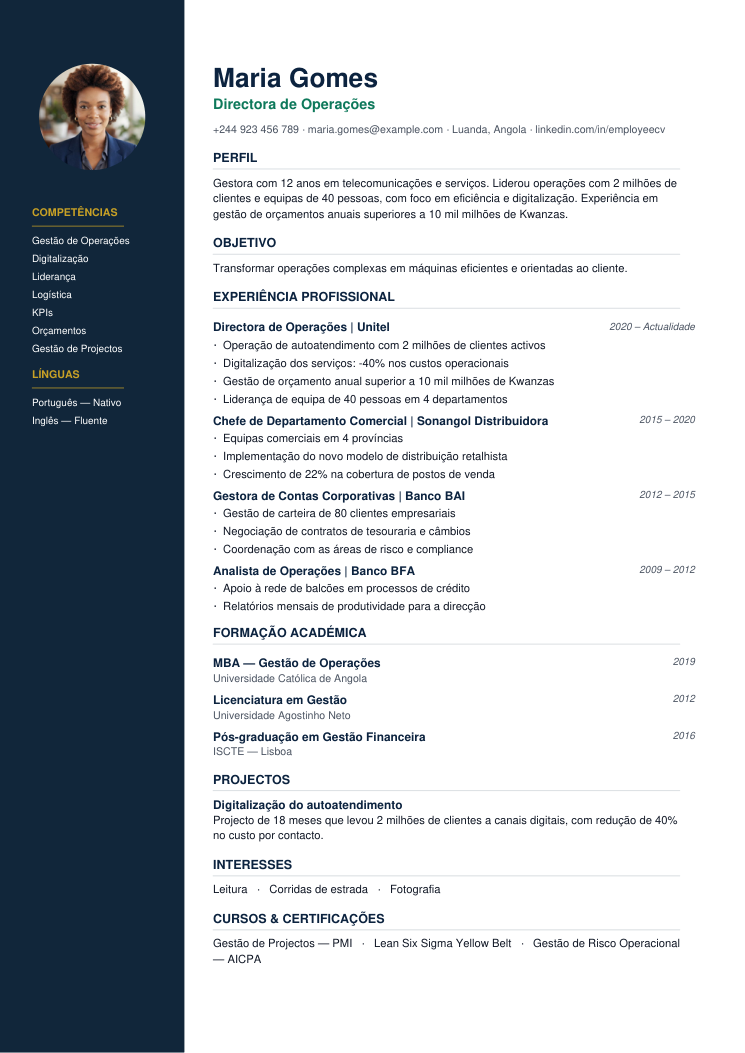
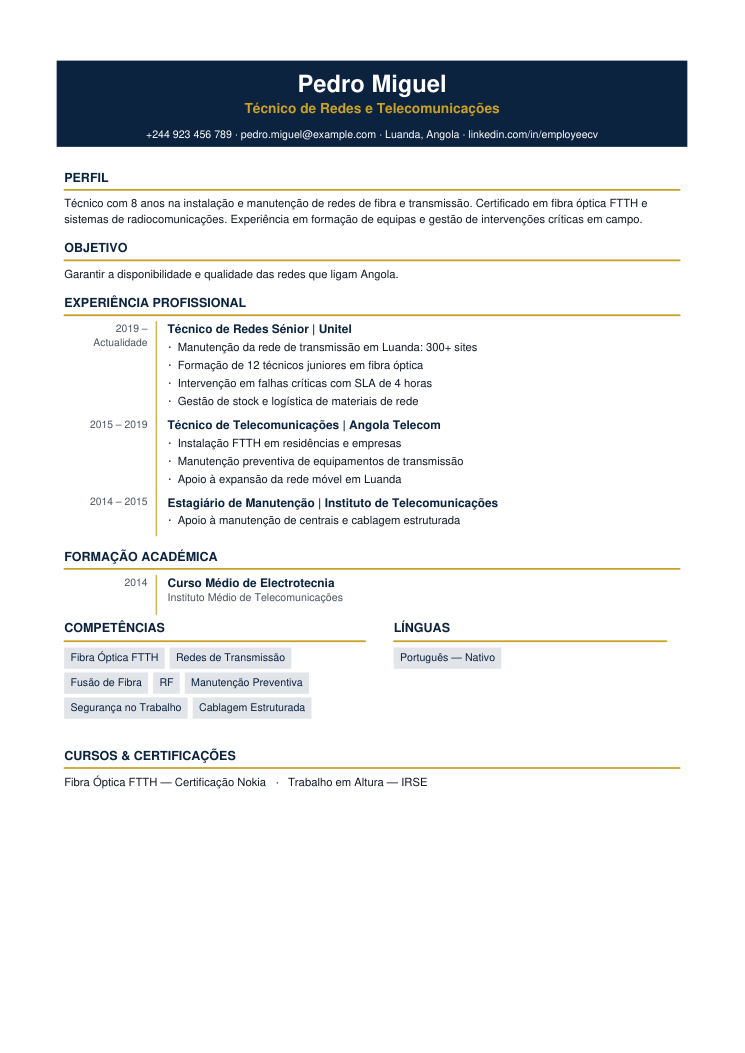
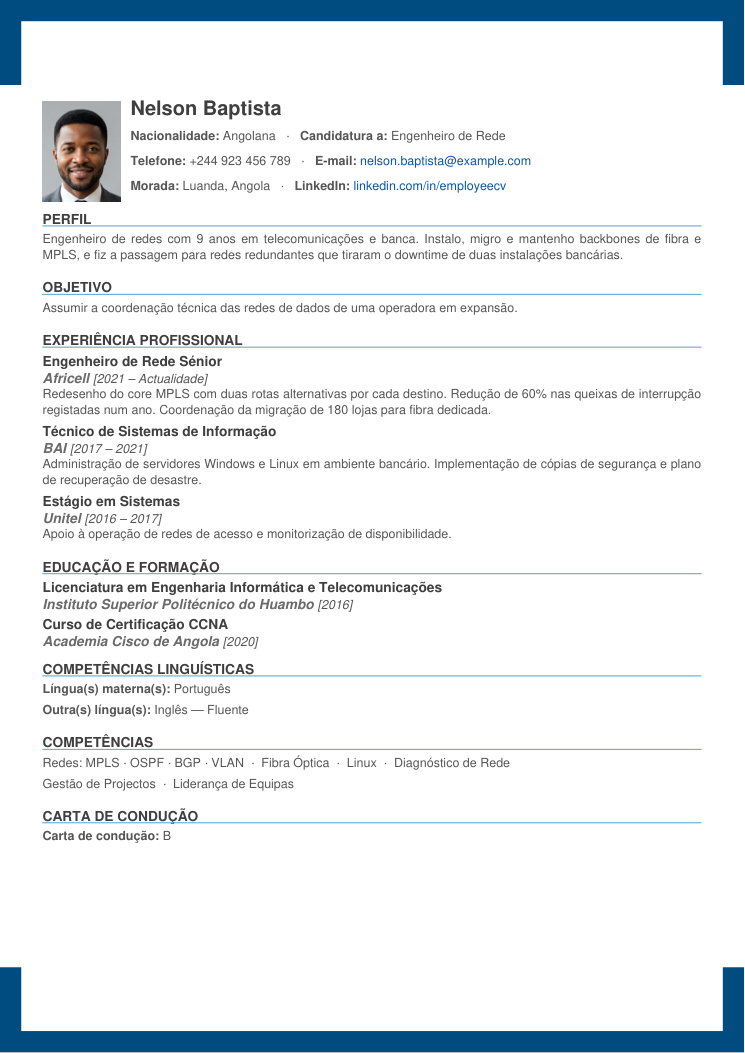
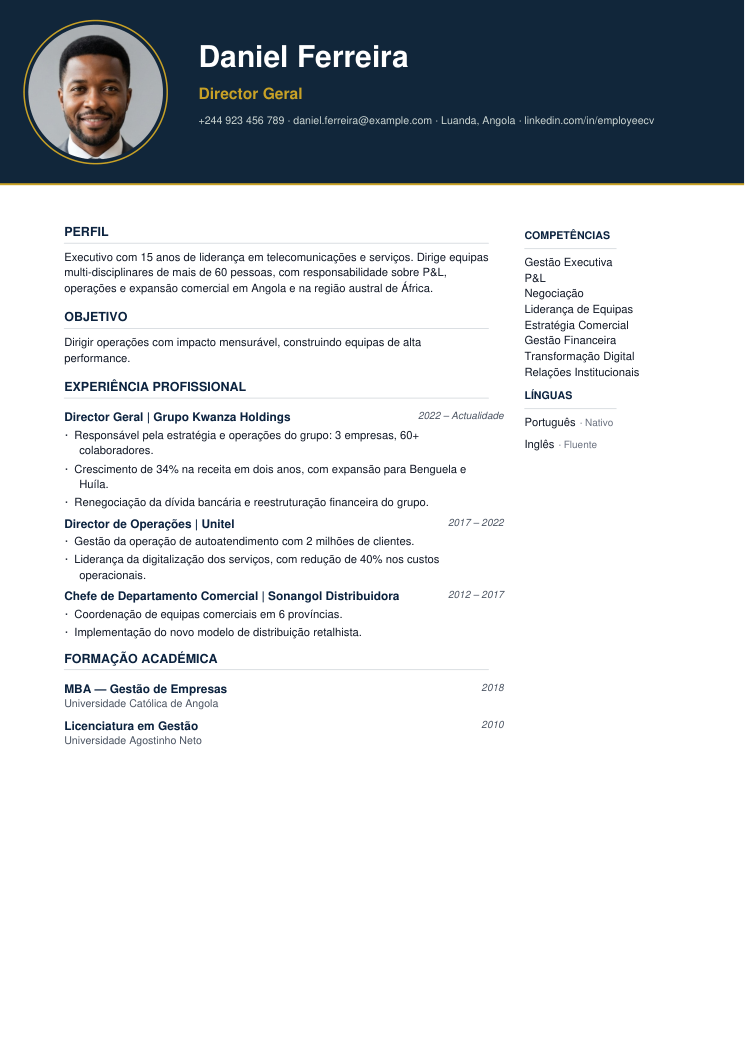
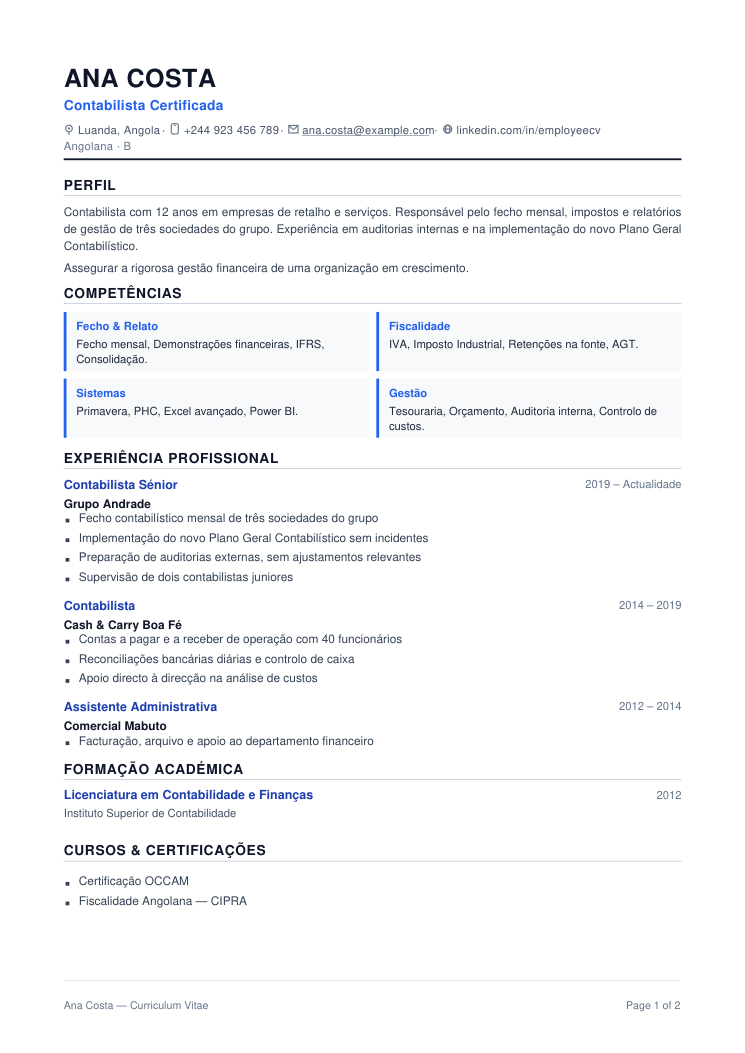
This is what you get
A one-page CV with your name, your experience and your skills — in the template you choose.
- Templates with and without a photo
- European Portuguese, ready for Angolan companies
- Editable until you pay
Prices
One payment, per document
CV
from 1 200 Kz≈ 1.02 USD
- Templates with and without a photo
- Experience, education and skills where the screening tools look for them
- Preview before you pay
You pay when you are happy with it.
- Express Transfer
- You see it before you pay
- One-off payment
Questions
Frequently asked questions
How much does it cost to create a CV?
A CV costs from 1 200 Kz and the price depends on the template you pick. The exact price is always shown before you confirm the order.and the price depends on the template you pick. The exact price is always shown before you confirm the order.
How do I pay?
Payment is made by Express Transfer: once you've created the CV, transfer the amount to the number shown on the order. Send the receipt on WhatsApp and we validate your order — as soon as it's validated, the PDF is available in your account.
How long does payment validation take?
Usually within minutes during business hours. Once we confirm the receipt, your CV's PDF becomes available to download.
How long can I download the PDF?
Seven days. Once payment is validated, the PDF stays available to download for 7 days. After that the order may no longer be downloadable — but the CV stays in your account and isn't deleted because of it. If you need the file later, talk to us.
Can I edit the CV after creating it?
Yes. While you haven't paid, you can edit as often as you like. Once paid you have 1 hour to keep editing and generate the PDF again; after that the document is closed. If you need to change something, message us on WhatsApp.Yes. While you haven't paid, you can edit as often as you like. Once paid you have 1 hour to keep editing and generate the PDF again; after that the document is closed. If you need to change something, message us on WhatsApp.
Do I really need an account to use FonteCV?
You can create a CV without an account, but we recommend signing in with Google: that way your documents are saved and reachable from any device.